Hotel Lobby AI Generator — Two Photos to a Duo Rap Video
Drop in a photo of each performer and this generator builds the booth, the microphone and the stage lighting around them. No prompt box, no timeline, no editing software — choose your settings and download the finished MP4.
- New accounts get 10 free credits
- Failed generations return credits
- Portrait 9:16 or landscape 16:9 MP4
- Original AI-generated beat — no licensed track used
Left performer
Right performer
This video costs 10 credits
Add both photos to continue.
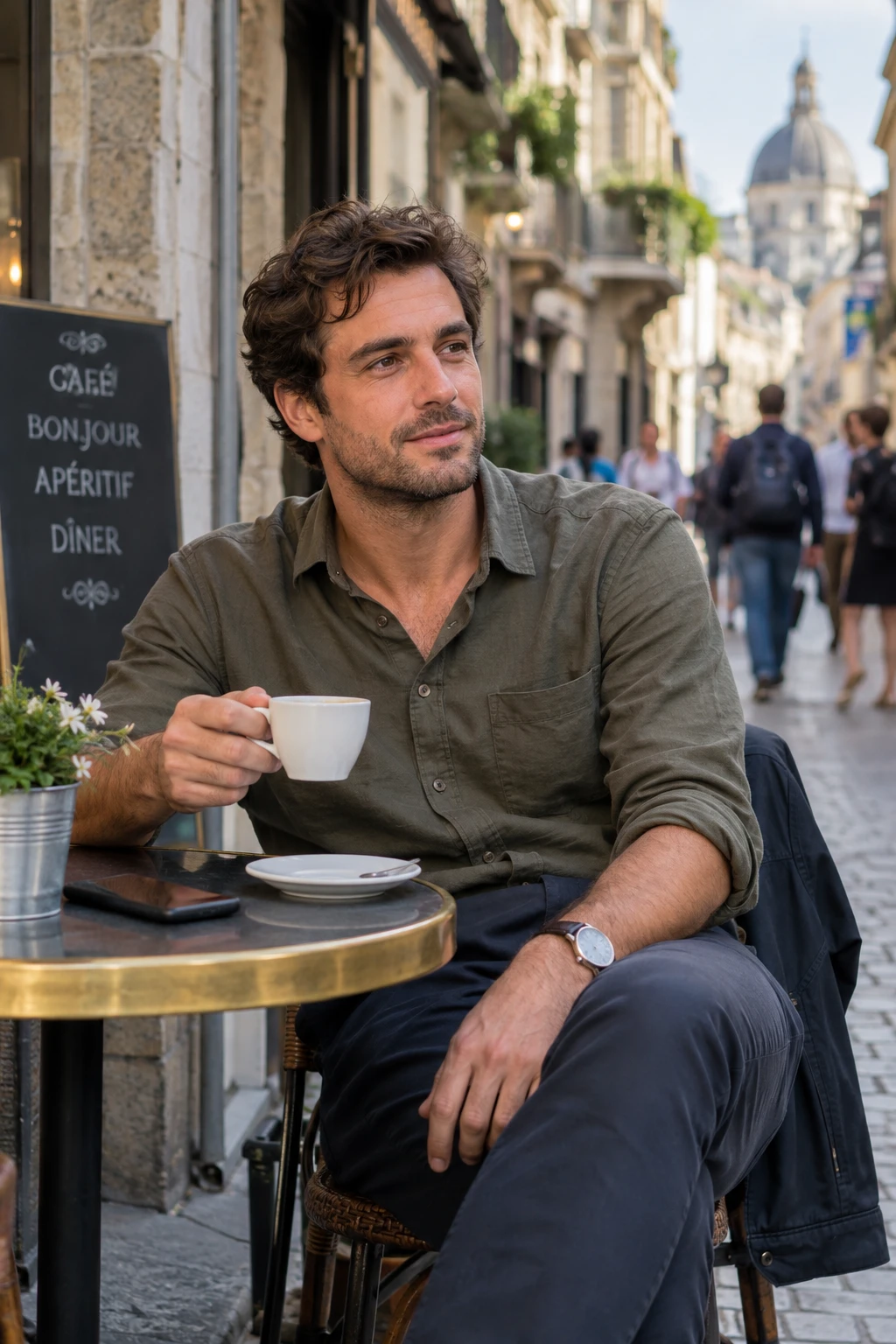
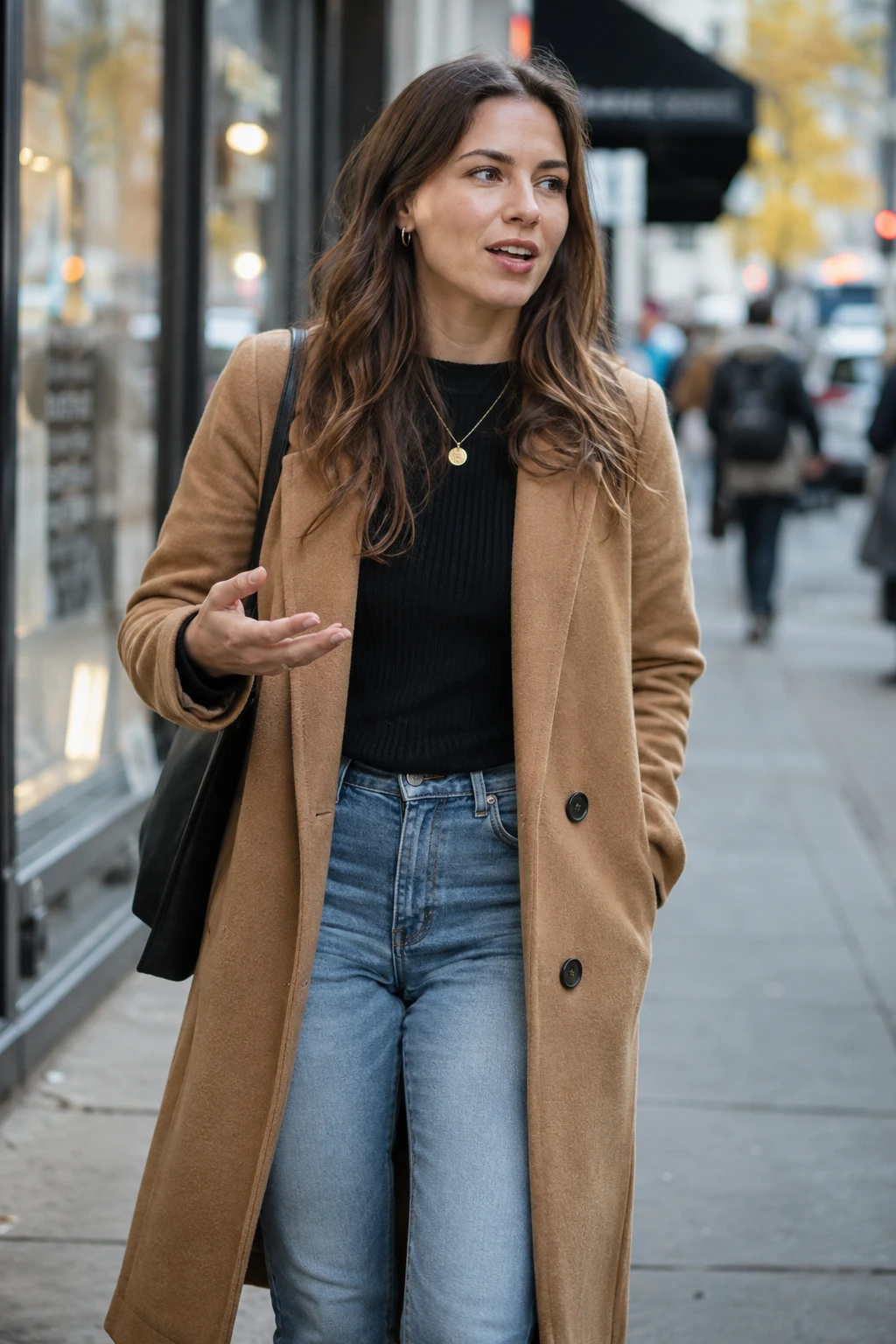
2 photos in → 1 stage video out
What this generator produces
Every output is the same kind of file, so one workflow covers every platform you post to.
- Photos in
- 2, or 1 duo photo
- Output
- 1 MP4
- Aspect ratio
- 9:16 or 16:9
- Length
- 5, 10 or 15 seconds
- Resolution
- 480p or 720p
- Audio
- Generated beat
- First video
- 10 free credits
- Failed jobs
- Credits returned
Two input modes, one stage
Pick the mode that matches the photos you already have. Both produce the same finished clip.
| Compare | Two photos | One duo photo |
|---|---|---|
| Use it when | You have a separate portrait of each performer | Both performers already appear together in one image |
| What works best | One clear face per photo, similarly framed | A photo where neither face is cut off or crowded |
| Left / right control | Yes — swap the two performers before generating | No — the existing arrangement is kept |
| Good for | Photos taken years apart, or of people who never met | Screenshots, selfies and existing duo shots |
What a video costs in credits
The same price is shown before you submit. These are OraStage credit prices; provider costs are quoted separately before a real job starts.
| Quality | 5 seconds | 10 seconds | 15 seconds |
|---|---|---|---|
| 480p | 10 credits | 20 credits | 30 credits |
| 720p | 15 credits | 30 credits | 45 credits |
Hotel Lobby AI Generator FAQ
What is a Hotel Lobby AI generator?
A tool that turns still photos into a finished stage video of two performers rapping in the orange booth — no filming, no editing software and no prompt writing on your side.
Two photos or one duo photo — which should I choose?
Pick two photos when you have a clean portrait of each performer. Pick duo mode when both people already appear in one image, or when you want OraStage to keep their existing side-by-side arrangement.
Which resolution should I pick?
480p costs fewer credits and is enough for a first look at how a pair of photos behaves. Choose 720p for anything you plan to publish, especially full-screen on a phone.
Can I reuse the same photos for more videos?
Yes. Your uploaded photos stay in your account files, so you can start a new generation without uploading them again. Every video is rendered fresh.
Where do my finished videos live?
Every generation is saved to My Creations as soon as you submit it, so you can close the page while it renders and download the MP4 later.
Can I try the generator before subscribing?
Yes. New accounts receive 10 credits, which cover a complete 5-second 480p video. You do not need a plan to generate that first clip.