Starter
A monthly plan for getting started with OraStage.
$9.90/ month
Renews monthly. Cancel anytime.
- 100 credits every month
- About 10 videos at 5s / 480p
- All length and quality options
- Failed generation credits returned
The Hotel Lobby trend is a two-performer rap scene: an orange booth, a hanging microphone, one locked-off camera. Upload a photo of each performer and OraStage renders them into that stage as a finished 9:16 MP4.
Left performer
Right performer
This video costs 10 credits
Add both photos to continue.
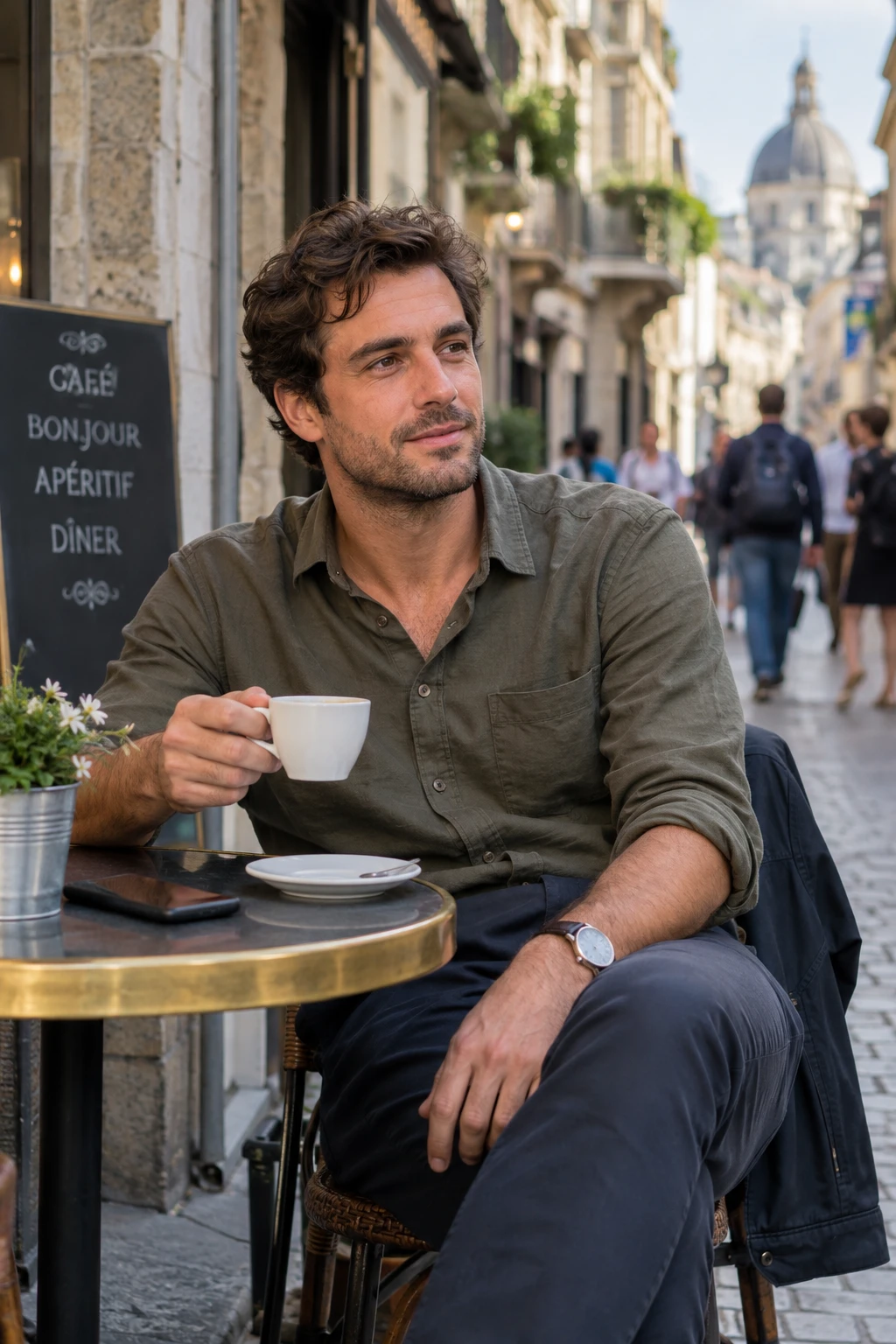
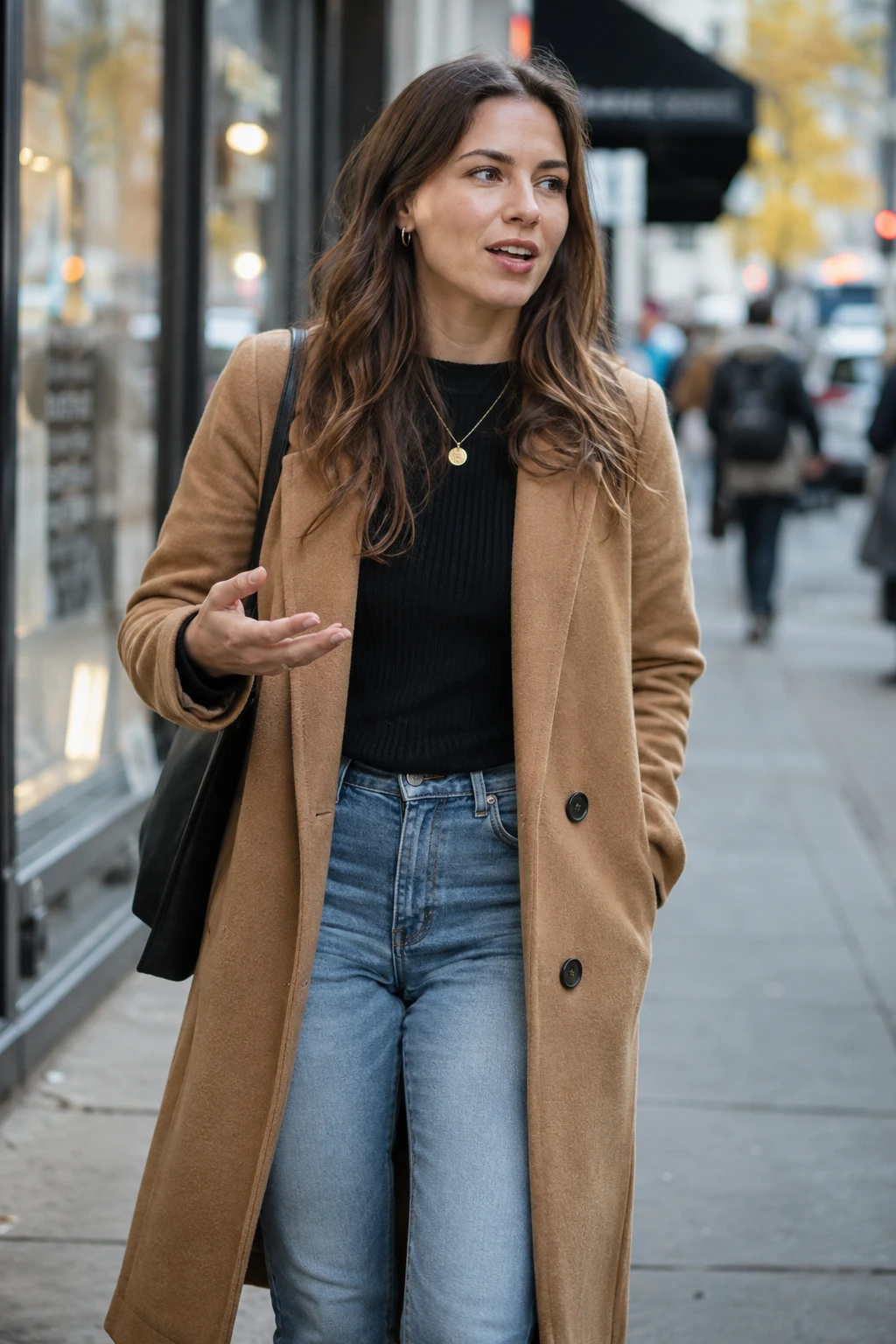
2 photos in → 1 stage video out
OraStage is built for this one scene. Upload a photo of each performer — or one photo that already shows both — and it renders them into the booth as a finished clip. No prompt to write, no timeline to learn, no crew to assemble.
The trend is a two-performer rap scene. Two people share one locked-off shot in a warm orange booth, a single microphone hangs between them, and the camera never cuts. The whole clip is one take of two performers trading lines.
What made it spread is how reproducible the look is. There is no location scouting and no crew — the booth, the light and the framing are the entire set. That is exactly the part OraStage takes off your hands.
So this page is about one thing: that specific clip, why it looks the way it does, and how to make your own version of it from two photos.
The original video is a music video, not a social clip, and its production is out of reach for a phone shoot: a designed set, controlled lighting, wardrobe, and a camera operator working a single continuous move.
OraStage recreates the look of the scene, not the video. You get the orange booth, the hanging microphone, the warm key light and the two-person framing — the stage and the atmosphere that made the clip recognisable.
What you do not get is the original recording or its footage. Your video is a new generation from your own photos, with its own generated beat, so it belongs to you.
Each of these started as two ordinary photos. The booth, the microphone and the lighting are generated — the performers are real inputs.
A café portrait and a street portrait sing the same verse.
Two portraits become a rap duo under a hanging microphone.

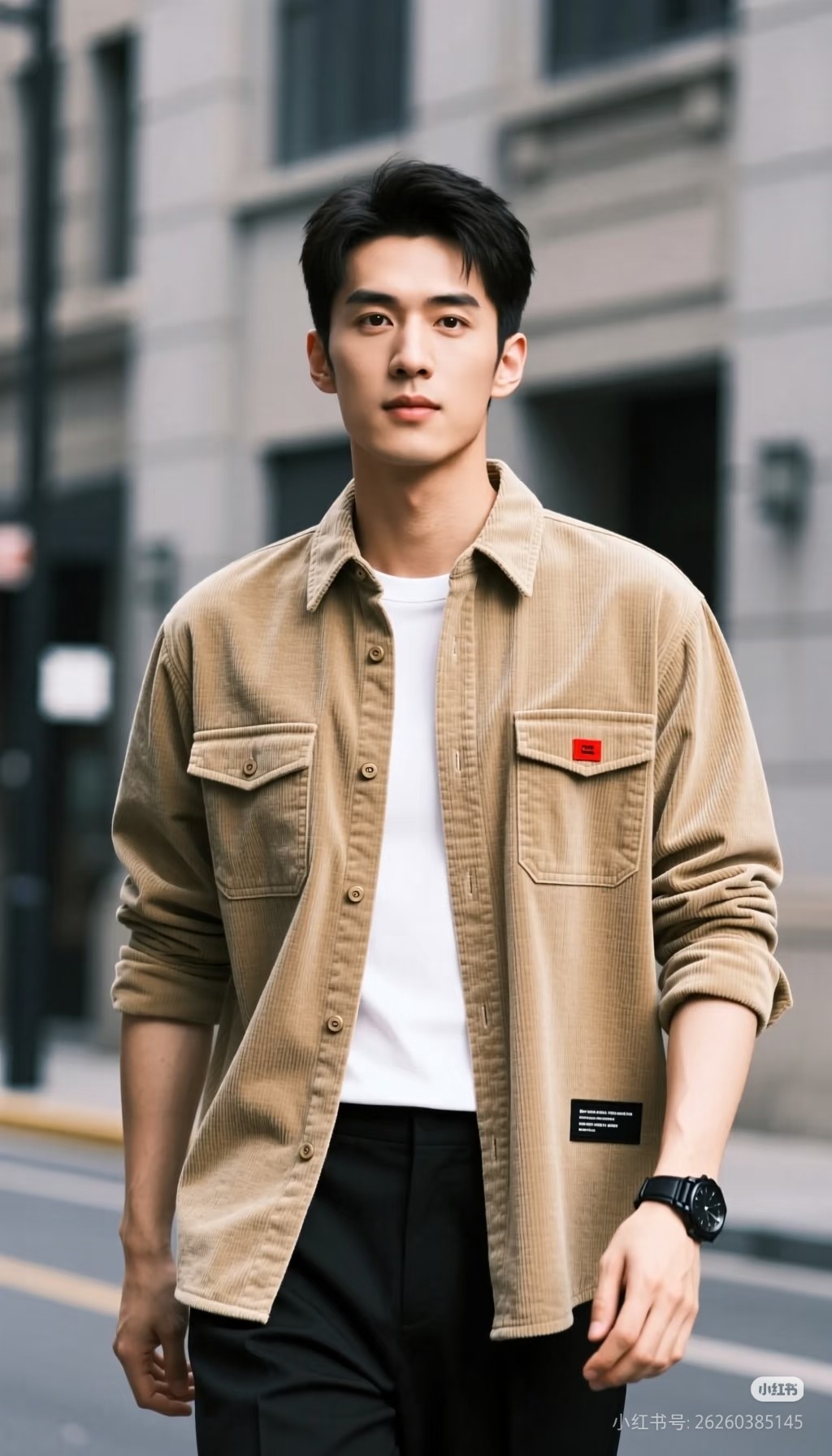
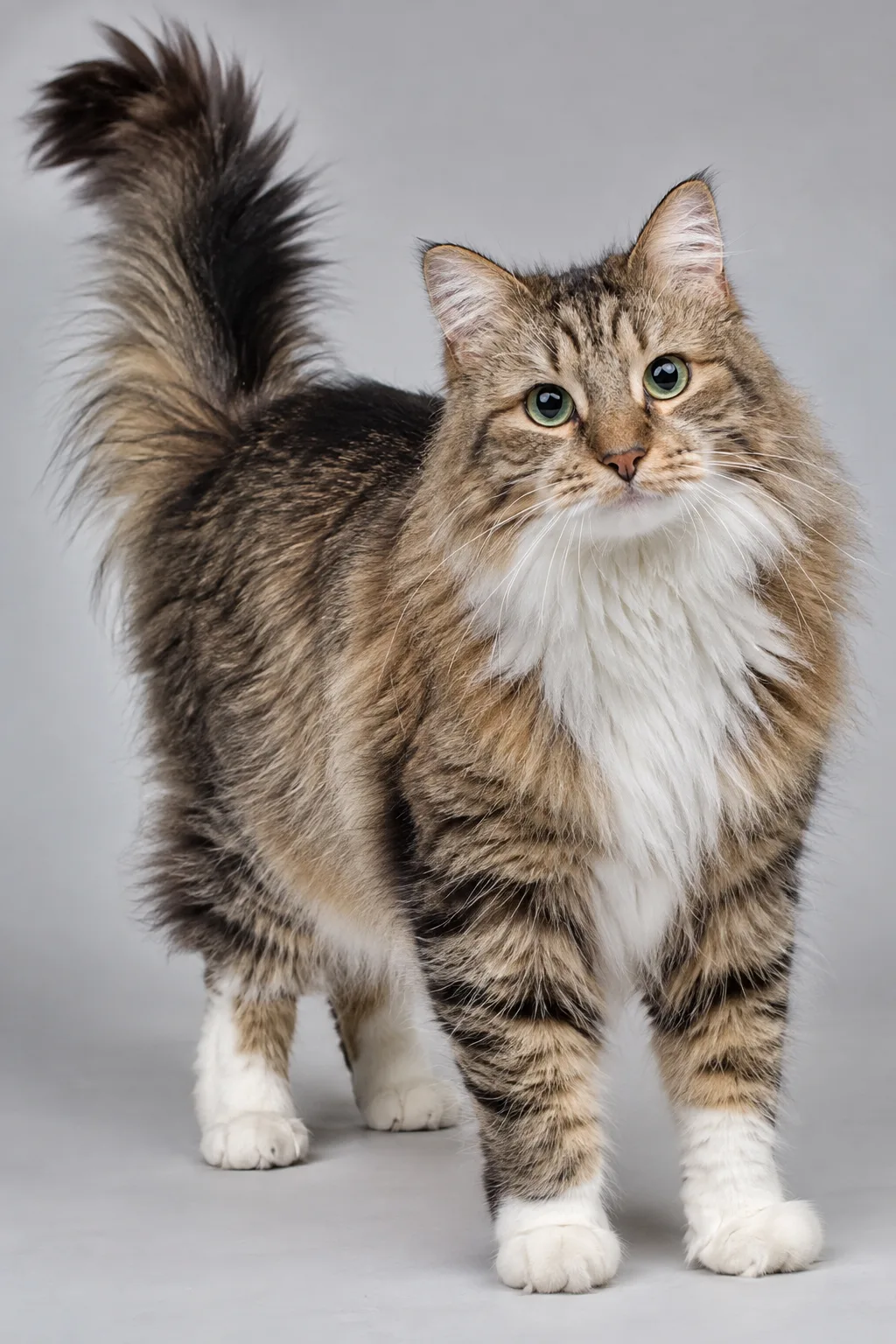
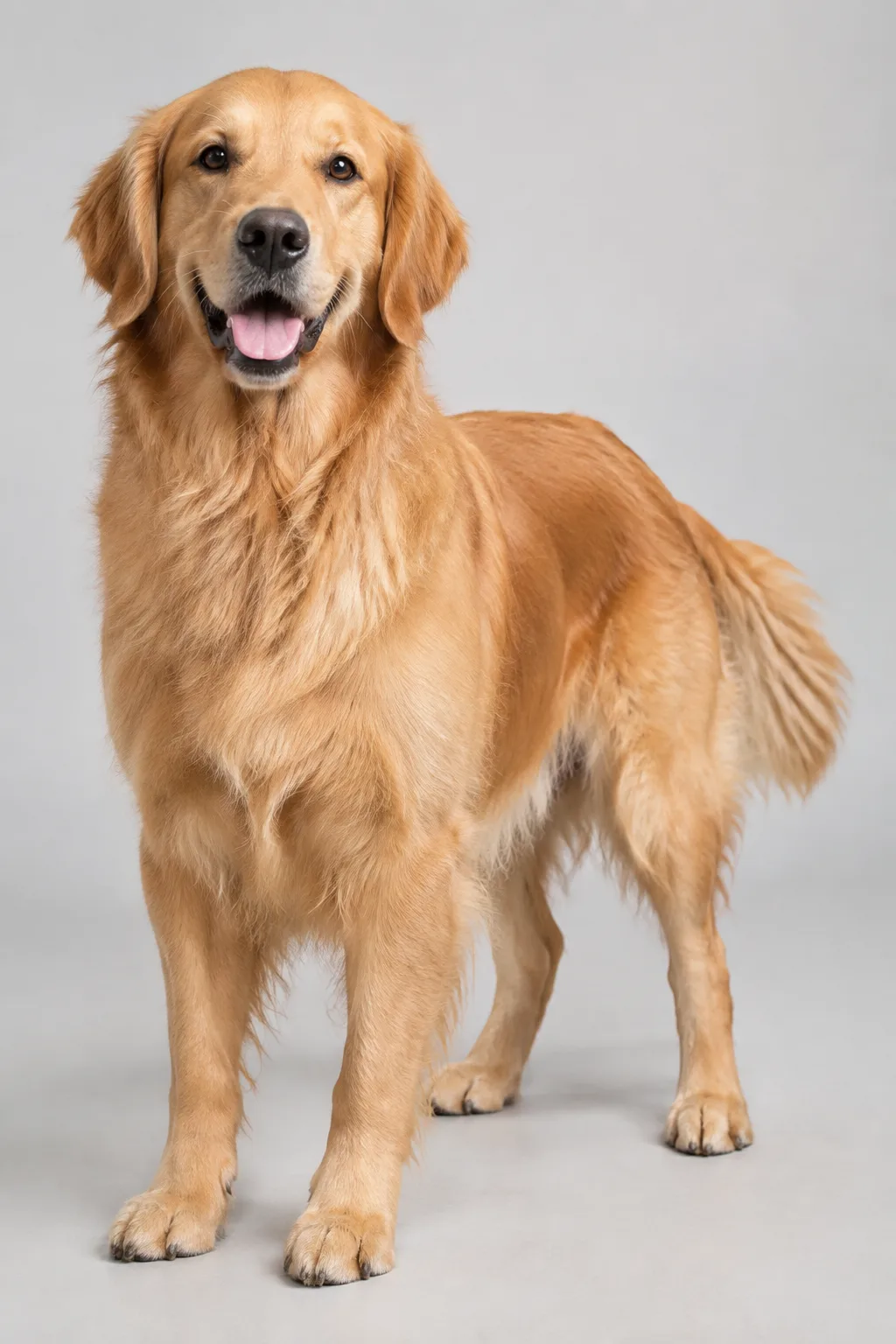
Two pet portraits stand upright together at the microphone.
An indoor portrait and a lakeside portrait share the orange booth.
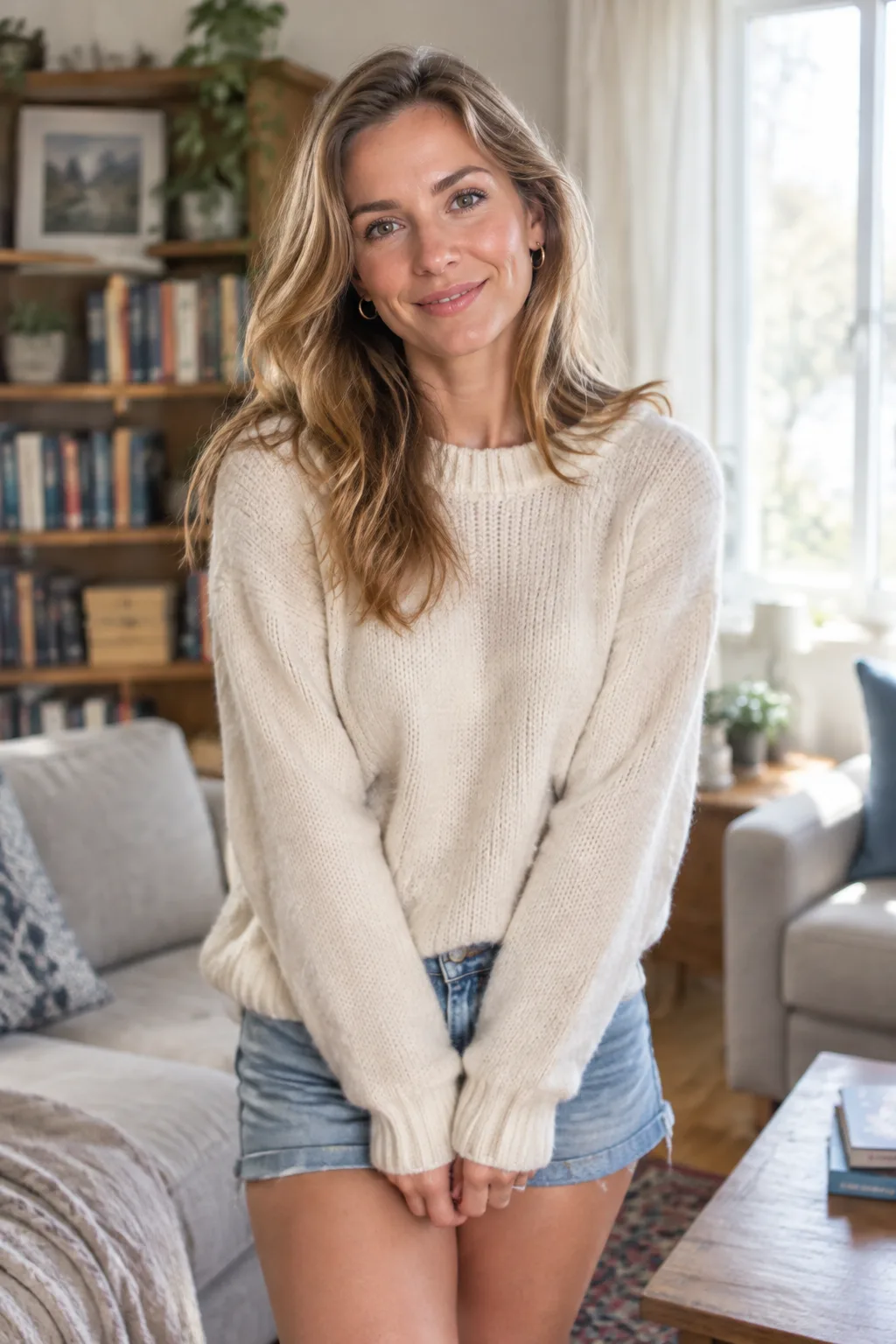
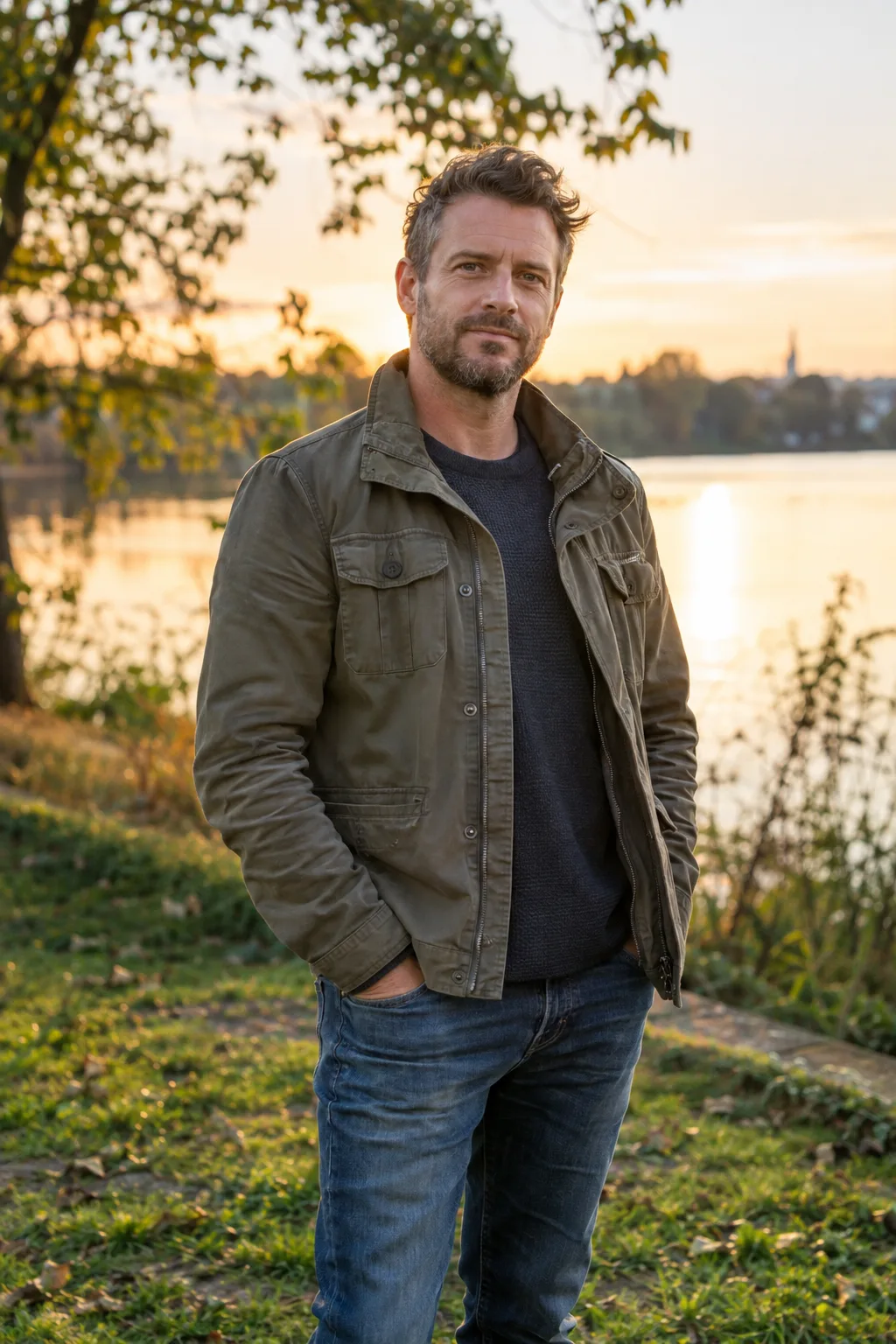
One portrait per performer, or a single image with both. Front-facing and evenly lit beats a dramatic angle every time.
Portrait 9:16 for TikTok and Reels, 10 or 15 seconds if you want room for two full verses, 720p if you plan to publish it.
The render arrives with a generated beat. Swap in whichever licensed track you want to trend with, then post.
Three routes to a Hotel Lobby duo clip. Only one of them starts from two photos you already have.
| Compare | OraStage | General AI video tools | Filming it yourself |
|---|---|---|---|
| Starting point | Two photos you already have | A written prompt, then iteration | A booth, lights, a microphone and two people |
| The Hotel Lobby look | Built in — the booth is the template | Whatever the prompt happens to produce | Depends entirely on your set and kit |
| Time to first clip | Minutes, with no retry loop | Varies; prompts rarely land first try | An afternoon of setup before the first take |
| Output format | 9:16 or 16:9 MP4, 5 to 15 seconds | Varies by tool | Whatever you shoot and export |
| Audio | Original generated beat included | Usually silent | You license and add it |
| Cost | 10 free credits, then from $9.90/month | Varies by tool and plan | Rental, lighting and a day of your time |
Every plan bills monthly through Stripe and renews automatically. A fresh batch of credits arrives after each successful renewal and is valid through the end of the paid period, so plan to use each month’s credits within that month. Every plan includes all lengths, both resolutions and both aspect ratios, and you can cancel anytime from Billing.
A monthly plan for getting started with OraStage.
$9.90/ month
Renews monthly. Cancel anytime.
A monthly plan for regular creators.
$19.90/ month
Renews monthly. Cancel anytime.
A monthly plan for frequent publishing.
$39.90/ month
Renews monthly. Cancel anytime.
The same price is shown before you submit. These are OraStage credit prices; provider costs are quoted separately before a real job starts.
| Quality | 5 seconds | 10 seconds | 15 seconds |
|---|---|---|---|
| 480p | 10 credits | 20 credits | 30 credits |
| 720p | 15 credits | 30 credits | 45 credits |
The clip that started the trend is a Migos record, and the trend takes its name from that group. OraStage is a separate tool and does not host, stream or reproduce that video.
No. OraStage is an independent video tool. It is not affiliated with Migos, the performers, or their labels.
Not yet. OraStage renders exactly two performers — two separate photos, or one duo photo. Three-person generations are outside the current template.
OraStage generates an original beat for every video, so no licensed track is used and the result is safe to post. The trend’s original recording is not included. If you want that specific audio, add it in TikTok, Reels or CapCut after you download — the 9:16 MP4 is built to drop straight into those editors.
Portrait 9:16. It fills the screen with no letterboxing and matches how the trend was originally posted. Choose landscape 16:9 only for YouTube or an embedded web player.
Match the framing and the lighting. Both photos should have the subject roughly the same distance from the camera, with the face unobstructed and evenly lit. Mixing a bright outdoor shot with a dim indoor one is the most common reason a duo looks pasted together.
Start with 10 free credits — your first clip costs nothing to render.
Create a video