Starter
A monthly plan for getting started with OraStage.
$9.90/ month
Renews monthly. Cancel anytime.
- 100 credits every month
- About 10 videos at 5s / 480p
- All length and quality options
- Failed generation credits returned
Drop in one photo of one person and this Choosin’ Texas Emo AI generator puts them into the night rooftop performance. Nothing else changes: the handheld camera keeps moving the way it was filmed, the fifteen-second take keeps its timing, and the soundtrack stays exactly as it is. The finished MP4 is portrait 9:16 at 768P or 2K.
Performer photo
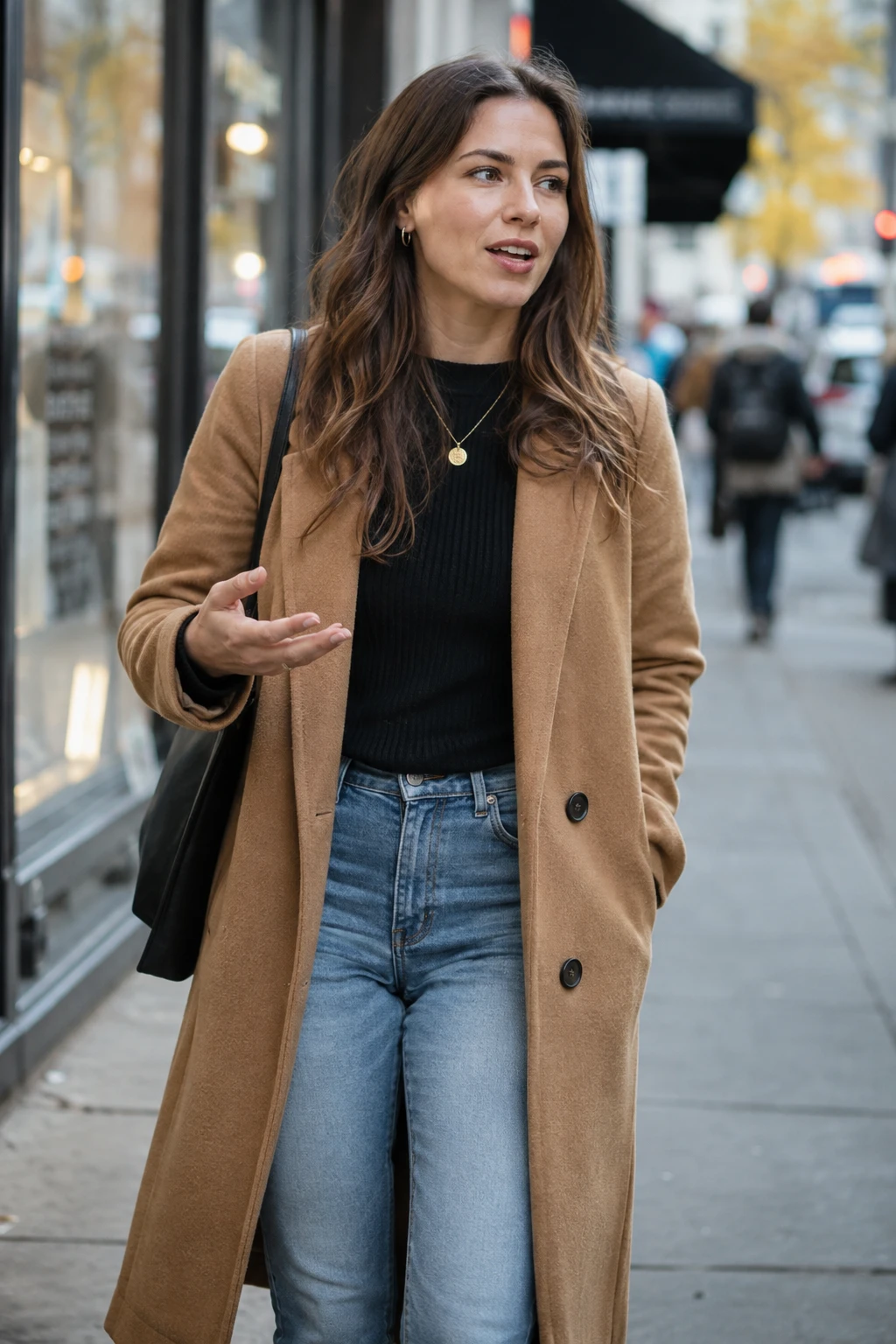
1 photo in → 1 finished clip out
The performance is fixed, so every output is the same take — only the performer is yours.
The take already decided the scene, the gestures and the timing. That is the point of this generator.
The photo of the performer and the output quality, 768P or 2K. The length and the format belong to the footage; the credit cost is shown before you submit.
The rooftop, the handheld camera, the fifteen-second running time, and every gesture from the rock horns to the final arm sweep.
The soundtrack belongs to the footage the template supplies, so the clip carries it through unchanged and nothing generated is mixed over it.
The photo, and the consent of the person in it. Their face is recognisably reused in the output, so generate only from a photo you own, of someone who agreed to appear.
No. Read this before you generate.
OraStage is an independent AI video tool. It is not affiliated with, authorised by, sponsored by or endorsed by the creator of the original rooftop clip, the recording artist, the songwriter, or anyone who represents them, and it is not their official product. The name is used here to describe the format this page reproduces.
The template ships with fixed reference footage — a fifteen-second rooftop take with its own soundtrack. Your photo replaces the performer inside that footage; the scene and its audio are supplied by the template rather than generated for you, and OraStage claims no ownership of them.
Nothing on this page grants you a right to any third party’s name, likeness, voice or music, and using this generator does not give you one. Upload only a photo you own or have permission to use, of a person who has agreed to appear.
If you hold rights in material you believe this page or this template uses without permission, contact us and we will review it.
The same account and the same credits cover every generator here.
This page is a fixed-performance template: you do not choose the setting, the length or the beat, because the footage already decided them. Bulin 47 AI is the fixed-scene alternative, a fifteen-second street freestyle take. The Hotel Lobby generator is the opposite — it builds a stage around your photos and lets you pick the length, the quality and the aspect ratio. Migos AI is that same stage aimed at a two-performer duo. If you want to know what the free credits cover before you commit, Hotel Lobby AI Free sets that out, and Pricing lists the plans.
Upload a single photo of one person and OraStage places them into the night rooftop performance, keeping the handheld camera, the timing and the soundtrack exactly as they were filmed. No video to upload, no prompt to write, no timeline to learn.
One performer, one handheld take, a night parking-garage rooftop with a low wall and city lights behind it. There are no cuts and no camera setup to speak of. What holds the clip together is the performance: the rock-horn hands, the shout into the lens, the fold forward and the final arm sweep.
That is why a photo prompt cannot reproduce it. A still photo can describe a person on a rooftop at night, but not the order of the gestures or the timing that makes the format recognisable.
This page keeps the performance and replaces the person inside it. You supply one photo; the rooftop, the camera, the fifteen seconds and the soundtrack stay as they were filmed.
The Hotel Lobby stage builds a scene around your photos. This generator works the other way round: the performance is already shot, and your photo becomes the performer inside it. That is why there is no length, format or camera choice here — those belong to the footage.
Because the take is fixed, its length, framing and sound are decided before you upload anything: 15 seconds, portrait 9:16, with the performance’s own soundtrack. You choose 768P or 2K, add a photo, and the render does the rest.
The performer is the only thing that changes, so the photo you pick is the whole result.
A clear, front-facing photo of the one person the clip should star. From the chest up or further back works best, with the face unobstructed and even lighting. Nobody else in the frame, no sunglasses or masks.
The clip is 15 seconds and portrait 9:16, with the footage’s own soundtrack. Pick 768P or 2K; the credit cost follows the quality you choose and is shown next to the button before you commit.
Sign in and submit. The finished MP4 plays here and is saved to My Creations, ready to download and post to TikTok, Reels or Shorts.
Both templates replace a performer inside fixed footage. They differ in the take you are stepping into.
| Compare | Choosin’ Texas Emo (this page) | Bulin 47 AI |
|---|---|---|
| Input | One photo of one person | One photo of one person |
| The scene | Night parking-garage rooftop, handheld | Crowded street, handheld |
| The performance | Rock horns, fold forward, final arm sweep | Street freestyle take with a moving crowd |
| Audio | The performance’s own soundtrack | The footage’s soundtrack |
| Output | 15 seconds, 768P or 2K, 9:16 | 15 seconds, 768P or 2K, 9:16 |
Every plan bills monthly through Stripe and renews automatically. A fresh batch of credits arrives after each successful renewal and is valid through the end of the paid period, so plan to use each month’s credits within that month. Credits work across every template, including the stage generator’s lengths, both of its resolutions and both aspect ratios, and you can cancel anytime from Billing.
A monthly plan for getting started with OraStage.
$9.90/ month
Renews monthly. Cancel anytime.
A monthly plan for regular creators.
$19.90/ month
Renews monthly. Cancel anytime.
A monthly plan for frequent publishing.
$39.90/ month
Renews monthly. Cancel anytime.
The same price is shown before you submit. These are OraStage credit prices; provider costs are quoted separately before a real job starts.
| Quality | 15 seconds |
|---|---|
| 768P | 30 credits |
| 2K | 45 credits |
It is a 15-second vertical clip that reproduces the night rooftop performance format: one performer, one handheld take, a low wall and city lights behind them. You upload one photo, OraStage places that person into the performance, and the camera movement, the timing and the soundtrack stay as they were filmed.
No. OraStage is an independent AI video tool. It is not affiliated with, authorised by, sponsored by or endorsed by the creator of the original clip, the recording artist, the songwriter or anyone who represents them. The name describes the format this page reproduces; it is not an official product, and nothing here grants you a right to anyone’s name, likeness, voice or music.
Only a photo. The rooftop performance and its soundtrack are already filmed and ship with the template, so one photo is the entire input. There is no video to upload, no prompt box and no timeline to edit.
Because the model behind this template accepts at most fifteen seconds, and the reference clip cannot run longer than the render. The stored performance is a fifteen-second cut of the original rooftop take, keeping the rock-horn hands, the shout into the camera, the fold forward and the final arm sweep.
Not on this page. The location, the handheld camera, the pacing and the soundtrack are fixed by the template, and only the performer changes. If you want to choose the setting and the length, use the Hotel Lobby stage generator instead.
A clear, front-facing photo of one person, from the chest up or further back, with an unobstructed face and even lighting. The template keeps the clothing and accessories in the photo, so avoid heavy filters, masks and sunglasses, and make sure the subject is the only person in the frame.
Only with permission for a real person. Their face is recognisably reused in the output, so you need their consent and the right to use the photo. An illustrated or game character works as a photo input, but the model may render it in a photographic style because the scene is live-action footage.
Both render the same fifteen-second take. 768P is the cheaper option and is enough for phone-sized playback on TikTok, Reels or Shorts; 2K keeps more detail if you plan to watch the clip on a larger screen or edit it further. The credit cost follows the quality you choose and is shown before you submit.
Yes. Credits charged for a failed generation are returned to your balance automatically, and the failed task stays in My Creations with its error, so nothing is charged for a clip that never rendered.
One photo, 15 seconds, the performance’s own soundtrack. Sign in and start with the 15-second credit pack.
Create a video